Start Playing Without Getting Stuck
Happy Wheels is easiest to enjoy when you stop expecting a clean race and start treating every run as a physics experiment. You guide a poorly protected rider through hazardous side-scrolling levels, balancing speed against survival until you reach the finish.
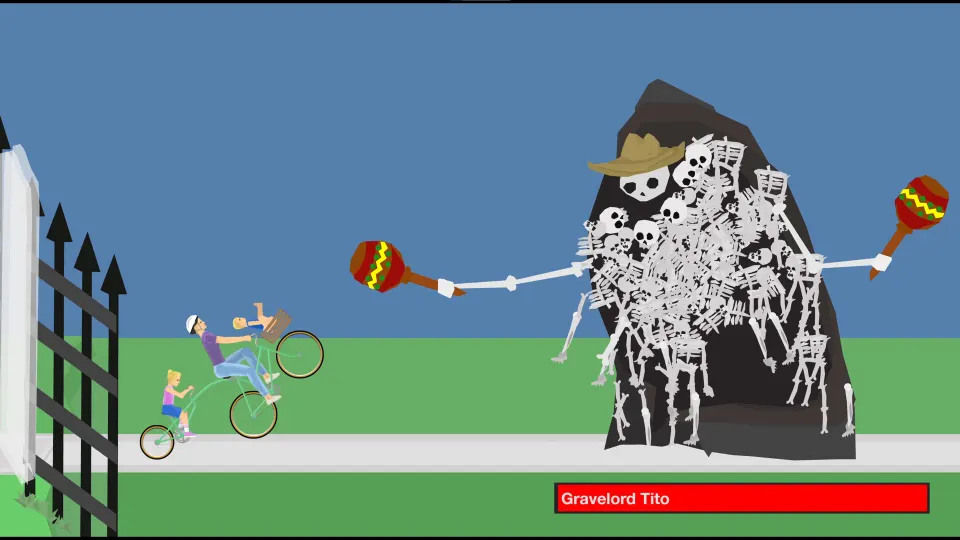
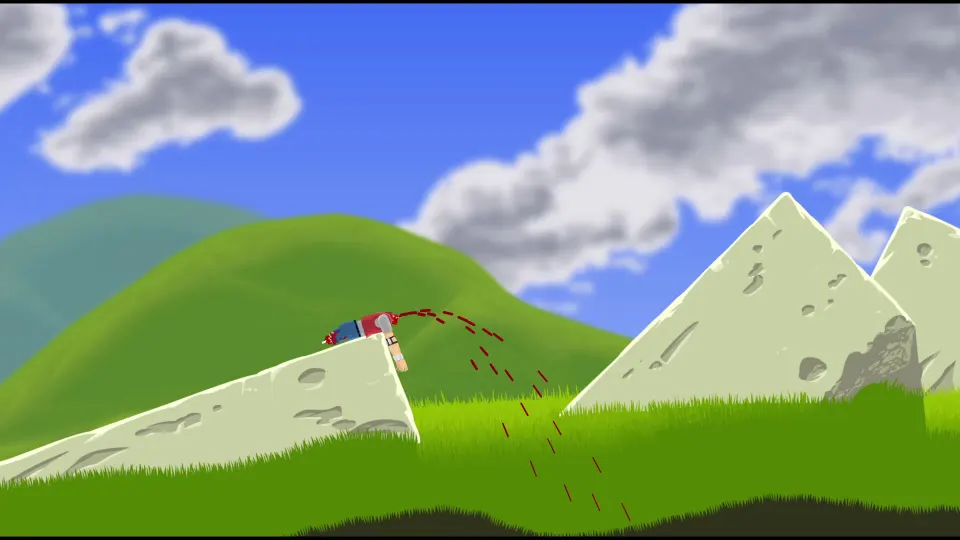
The game is known for exaggerated ragdoll crashes, dangerous obstacles, and user-made courses that can be clever, difficult, or completely absurd. Losing a limb does not always end a run, so keep trying to move until the game confirms that your rider is finished.
The full browser version is available through the official Happy Wheels website. It has a large selection of playable levels, including featured courses and community creations. Mobile versions offer a more focused set of levels and touch controls.
To begin:
- Choose Play from the main menu.
- Pick a featured, browseable, or character-specific level.
- Select the rider or vehicle the level allows.
- Start slowly, learn the first obstacle, and restart when a better approach becomes clear.
- Reach the end goal or finish line to complete the level.
Do not worry about winning immediately. Many courses are built around trial and error, and a failed first attempt often teaches you exactly where to brake, lean, or accelerate next time.
| Where to play | Best for | What to expect |
|---|---|---|
| Official browser version | Community levels and replays | The broadest level library and creator tools |
| Steam version | Desktop play and controller support | Ongoing improvements, offline features, and achievements |
| Mobile app | Quick touchscreen sessions | Official levels, several riders, and level creation tools |
Learn the Essential Controls
On a keyboard, the arrow keys handle the basics. The most important skill is not simply holding the accelerator: it is controlling your rider's angle before a landing, ramp, or collision.
| Control | Default action | Best use |
|---|---|---|
| Up Arrow | Accelerate forward | Build speed for hills, jumps, and timed hazards |
| Down Arrow | Brake or reverse | Slow before a trap or back away from a bad position |
| Left Arrow | Lean backward | Keep the front wheel up or counter a forward fall |
| Right Arrow | Lean forward | Stabilize landings and gain traction after a jump |
| Space | Character ability | Activate a jump, boost, weapon, brake, or other special action |
| Shift / Ctrl | Character-specific action | Adjust posture, rotate equipment, or trigger a secondary ability |
| Tab or menu controls | Pause or return to menu | Restart, leave, or change settings when needed |
A useful beginner habit is to tap the accelerator instead of holding it down. Short bursts give you time to read the terrain and prevent the uncontrolled flips that happen when a rider launches too fast.
Leaning matters most on two-wheeled vehicles. Lean forward as you come down from a jump to keep the rear wheel from bouncing you backward. Lean back before climbing a steep ramp, but straighten out before the front wheel rises too high.
Restarting is part of normal play, not a failure. If an early obstacle damages your rider badly, restart quickly rather than spending several minutes trying to drag a disabled vehicle through the rest of the course.
Choose a Rider That Fits the Level
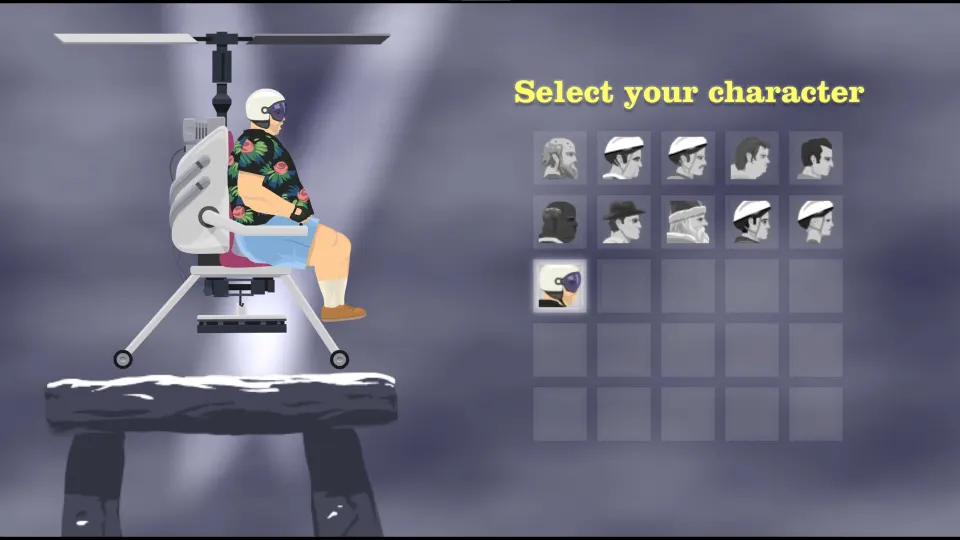
Each rider behaves differently because every vehicle has its own weight, balance point, and special ability. A course may lock you into a specific character, but when you can choose, select someone whose strengths suit the challenge.
| Rider or vehicle | Strength | Useful special ability |
|---|---|---|
| Wheelchair Guy | Strong propulsion and unusual maneuvering | Rotate the jet with Shift and Ctrl; fire with Space |
| Segway Guy | Stable movement on many flat courses | Jump with Space |
| Irresponsible Dad | Good general-purpose bicycle control | Brake with Space; eject riders with Shift or Ctrl |
| Effective Shopper | Can handle some tight spaces and low obstacles | Jump with Space |
| Moped Couple | Fast movement through long courses | Boost with Space; brake with Ctrl |
| Lawnmower Man | Heavy vehicle that can push through some objects | Jump with Space |
| Pogo Stick Guy | Excellent vertical movement | Hold Space for a stronger bounce |
| Explorer Guy | Designed for track-based minecart sections | Attach to rails with Space |
| Santa Claus | Chaotic but useful for unusual levels | Float with Space |
| Helicopter Man | Can interact with objects from above | Release magnet with Space |
For a first session, try a bicycle or Segway level. These riders make the connection between leaning and balance easy to understand. The Pogo Stick Guy is entertaining but demands careful timing, while Wheelchair Guy can become difficult when the jet sends you into hazards too quickly.
Special abilities are often the solution to a level's central puzzle. Before assuming a course is impossible, press Space in a safe area and see what changes. A jump may clear a wall, a boost may cross a gap, or a magnet may move an object blocking the route.
Survive Obstacles and Finish More Levels
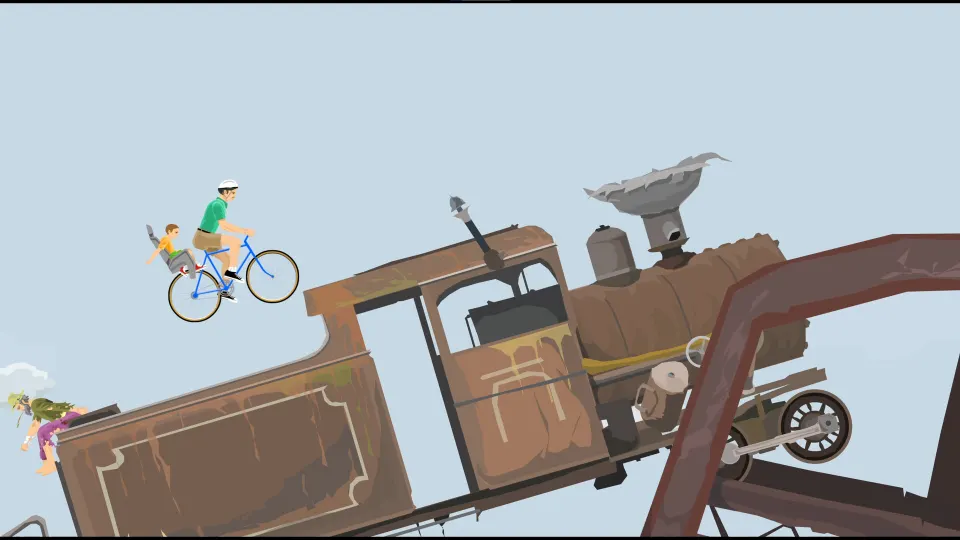
Happy Wheels levels use hazards such as spikes, mines, harpoons, wrecking balls, crushing blocks, moving objects, and steep drops. The safest route is rarely the fastest-looking one.
When approaching a new danger, use a simple routine:
- Watch the obstacle for a moment if it moves.
- Roll in slowly enough to reverse if needed.
- Keep your rider centered before a jump or impact.
- Use a short acceleration burst rather than maximum speed.
- Lean during the landing, not only after you begin falling.
- Continue moving after damage if the rider still has usable momentum.
- Restart when the situation cannot realistically be recovered.
| Obstacle | Reliable first response | Common mistake |
|---|---|---|
| Spikes and harpoons | Slow down and keep the rider away from the leading edge | Charging forward without controlling your angle |
| Mines | Cross with measured momentum or avoid them entirely | Stopping directly beside the blast area |
| Wrecking balls | Wait for a predictable swing, then pass | Trying to outrun a swing without watching its timing |
| Ramps and gaps | Build only enough speed to clear the distance | Landing rear-first or over-rotating |
| Crushers | Observe the cycle before entering | Moving underneath before the hazard rises |
| Downhill sections | Brake in small taps and lean for balance | Holding acceleration until the vehicle flips |
Community levels are especially varied. Browse by rating or play count when you want popular challenges, then switch to newer levels when you want surprises. A highly played level can be a great place to practice because its objective is usually clear even when the course is difficult.
Create, Replay, and Improve
Happy Wheels becomes more rewarding once you start recognizing patterns. A failed run is useful information: perhaps you had enough speed but leaned late, or perhaps the vehicle was stable until a special ability changed its balance.
Use replays to study successful attempts, especially on community courses. Notice where players slow down, which hazards they ignore, and when they activate special abilities. Replaying your own successful run can also help you remember an approach before trying to improve your time.
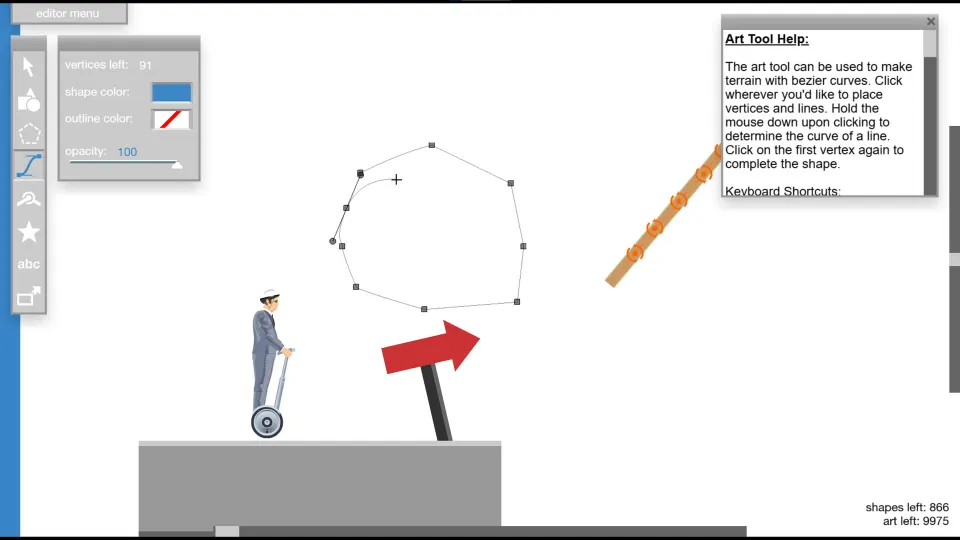
The level editor lets players build their own obstacle courses. Start with a short route rather than an enormous challenge. Place one main idea in the level, such as a ramp sequence, a harpoon corridor, or a moving-object puzzle, then test it repeatedly with the intended rider.
Good first editor projects include:
- A short bike course with three ramps and a finish line.
- A pogo course that teaches bounce timing one obstacle at a time.
- A minecart track with a simple rail choice.
- A survival course where players must wait for moving hazards.
- A challenge level that rewards control instead of random damage.
Test every section from the player's perspective. A difficult obstacle can be satisfying when it has a readable solution; an unavoidable trap usually feels less fun.
FAQ
How do I start a level in Happy Wheels?
Open the play menu, choose a level, select an available rider if prompted, and start the run. Begin carefully so you can learn the level's first hazard before committing to full speed.
How do I play Happy Wheels with a keyboard?
Use Up Arrow to accelerate, Down Arrow to brake or reverse, and Left and Right Arrow to lean. Space, Shift, and Ctrl activate abilities that change depending on your rider.
Why does my character die so easily?
The game is built around exaggerated physics and dangerous obstacles. Slow down before unfamiliar traps, keep your vehicle balanced, and expect to restart several times while learning a course.
Can I keep going after losing a limb?
Often, yes. A damaged rider may still move, and some runs remain recoverable after a crash. Keep trying until the head or torso receives fatal damage or your vehicle can no longer progress.
How to play happy wheels better on difficult levels?
Practice one obstacle at a time. Use smaller bursts of speed, watch moving hazards before entering, lean before landings, and restart early when an attempt leaves your rider unable to continue.