Start Playing Without Losing Your Head
Happy Wheels matters because every level turns a simple trip to the finish line into a physics disaster that rewards patience, timing, and a willingness to laugh at failure. When you happy wheels play online, you can jump directly into side-scrolling obstacle courses without installing the original Flash version. The game is still built around its classic combination of unstable vehicles, dangerous traps, and exaggerated ragdoll crashes.
The official full web version is available through Totaljerkface.com, the home of developer Jim Bonacci and Fancy Force. Browser portals may also offer playable versions, but their level selections, controls, ads, and device support can differ. If you want the broadest original experience, including the long-running level database and player creations, use the official site.
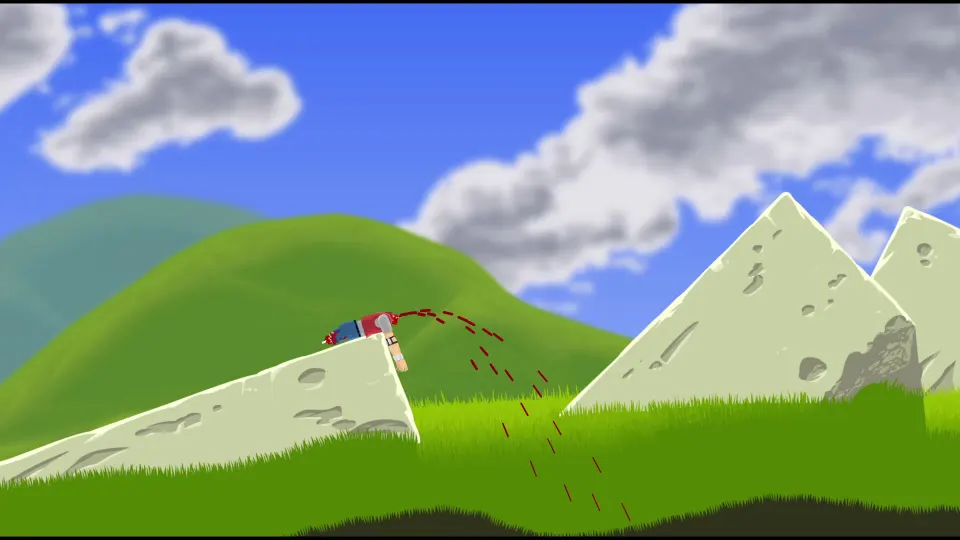
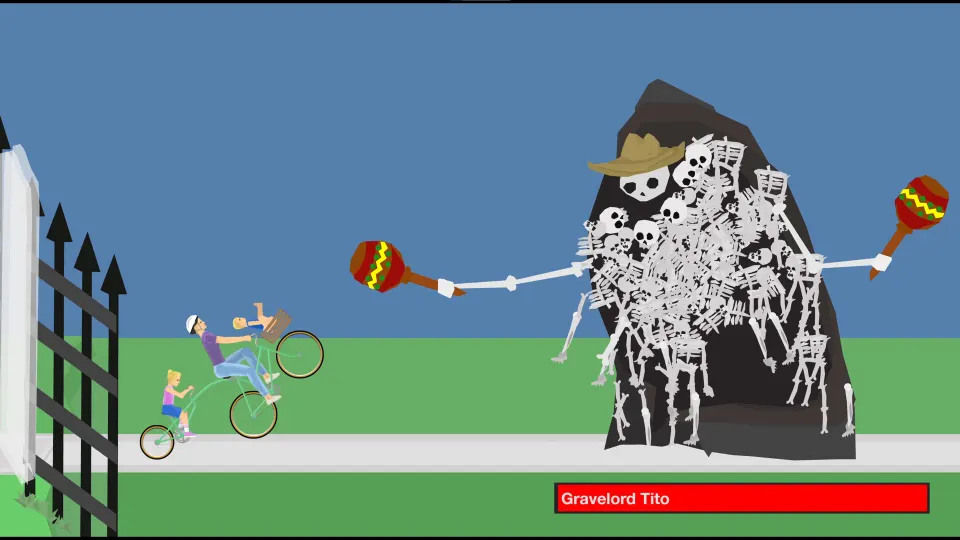
Happy Wheels began in 2010 and became famous for making failure part of the entertainment. Reaching a finish flag is satisfying, but an absurd crash can be just as memorable. Spikes, mines, harpoons, falling objects, sawblades, and steep drops punish reckless movement. The goal is usually simple; getting there intact is not.
| What you need | Recommended choice | Why it helps |
|---|---|---|
| Device | Desktop or laptop | Keyboard controls are more precise for balancing and stunts |
| Browser | A current browser with JavaScript enabled | The modern web version no longer depends on Flash |
| Input | Keyboard | Most actions use arrow keys plus Space, Shift, or Ctrl |
| Connection | Stable internet connection | Helpful for loading community levels and saving online activity |
The game contains cartoon gore, dismemberment, and dark humor. It is not a good match for players who want a gentle racing or platform game. For everyone else, its harsh physics and unpredictable levels are the point.
Learn the Controls and Physics
Happy Wheels uses simple inputs, but the results are complicated because each rider, vehicle, slope, and impact reacts differently. Pressing forward too long can tip a vehicle; braking at the wrong moment can leave you rolling backward into a trap. Treat your first attempts as reconnaissance rather than speed runs.
| Control | Typical use | Practical advice |
|---|---|---|
| Up Arrow | Accelerate or move forward | Use short taps before unknown obstacles |
| Down Arrow | Brake, reverse, or slow down | Brake before steep landings and narrow platforms |
| Left Arrow | Lean backward | Use it to stabilize landings or pull a front wheel up |
| Right Arrow | Lean forward | Useful for gaining momentum and clearing small ledges |
| Spacebar | Jump or activate a character action | Timing depends on the selected character |
| Shift or Ctrl | Secondary action | Check the level and character instructions first |
| Z | Eject or abandon vehicle in many versions | Sometimes useful, often hilariously risky |
Your rider is not protected by a health bar in the usual sense. Arms, legs, and vehicles can break or detach, changing how you move. A damaged character may still finish a level, so do not instantly restart just because a crash looks catastrophic.
Follow these habits on unfamiliar courses:
- Start slowly and watch for the first trap before committing to full speed.
- Keep your vehicle balanced with small left and right adjustments.
- Release the acceleration key in midair when extra rotation would hurt.
- Restart quickly after a truly unrecoverable crash, but try to salvage close runs.
- Memorize one dangerous section at a time instead of trying to learn the whole level at once.
Physics can sometimes look unfair, especially when loose objects bounce unpredictably. Usually, the solution is not faster reflexes but cleaner setup: approach at a lower speed, land with a flatter angle, or change your lean direction a split second earlier.
Choose the Right Character
Each character changes the way a course feels. Some vehicles are better at speed, others at balance, and some are built around a special ability. A level creator may design a course for one rider, so changing characters can make an otherwise manageable stage nearly impossible.
| Character | Vehicle | Main advantage | Main challenge |
|---|---|---|---|
| Wheelchair Guy | Jet-powered wheelchair | Fast burst movement | Powerful thrust is difficult to control |
| Segway Guy | Personal transporter | Responsive movement and jumping | Can be unstable on rough terrain |
| Irresponsible Dad | Bicycle with child passenger | Familiar bike handling | Extra passenger raises the stakes |
| Effective Shopper | Motorized shopping cart | Steady movement on flatter courses | Awkward turning and limited recovery |
| Pogo Stick Guy | Pogo stick | Strong vertical movement | Requires careful rhythm and balance |
| Business Guy | Personal transporter | Straightforward beginner-friendly feel | Less suited to specialized hazards |
Wheelchair Guy is exciting but punishing. His jet-powered wheelchair can cross gaps and build speed quickly, yet a careless boost may throw him into a wall or spin him into a mine. Use bursts in short intervals and lean back before launching off a ramp.
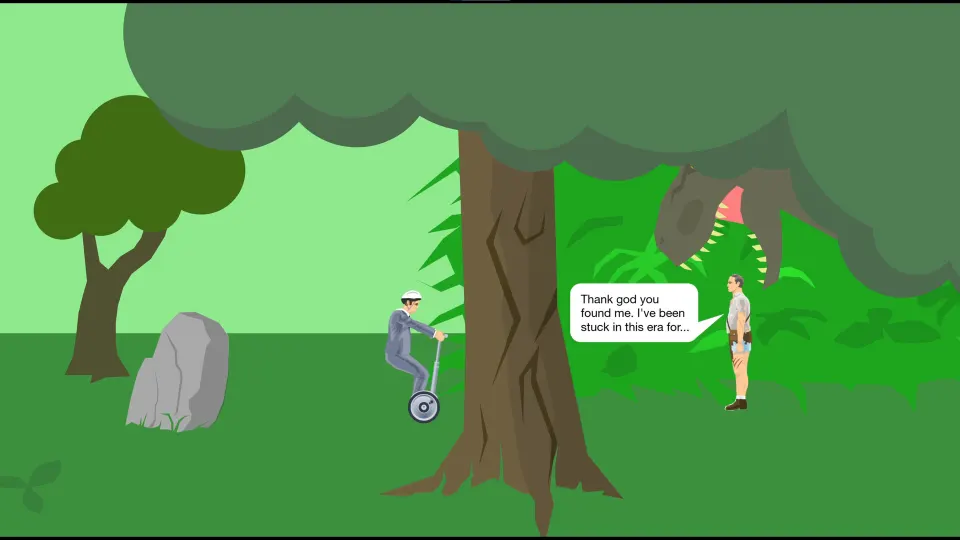
Segway Guy is a solid choice for learning basic balance. His jump gives you a direct answer to small hazards and uneven surfaces, although it still needs timing. If a course introduces ledges, compact gaps, or low obstacles, he is often easier to manage than a larger vehicle.
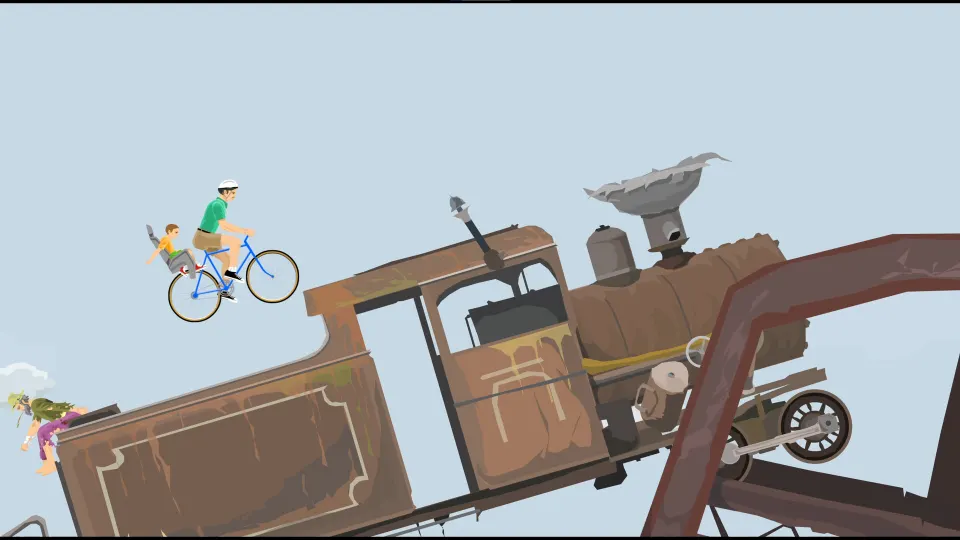
Irresponsible Dad brings a bicycle and passenger into the chaos. The bike can carry momentum well, but its front wheel is vulnerable to abrupt impacts. Keep the bicycle level when landing, and avoid forcing it through narrow spaces at high speed.
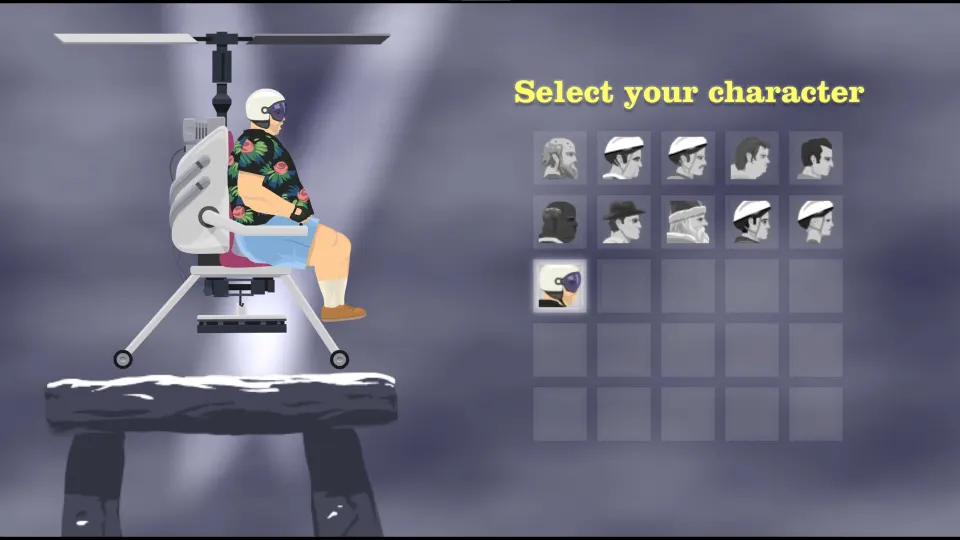
More characters have appeared over the game’s history, including Moped Couple, Lawnmower Man, Explorer Guy, Santa Claus, Irresponsible Mom, and Helicopter Man. Their availability can vary by version. Do not assume every browser or mobile edition includes the same roster, levels, or community features.
Beat Levels and Explore Community Creations
Most levels ask you to reach an exit, but some use different objectives. You may need to collect tokens, survive a sequence of hazards, solve a small physics puzzle, or simply endure an intentionally chaotic challenge. Read any on-screen instructions before moving; a trap often tests the action the level just taught you.
| Level situation | Best first response | Common mistake |
|---|---|---|
| Steep downhill ramp | Brake lightly and lean back | Holding acceleration until you flip |
| Narrow gap | Build controlled speed, then level out | Jumping too early or overcorrecting |
| Spikes or mines | Slow down and identify a safe route | Treating hazards as decorations |
| Falling debris | Pause briefly and observe the pattern | Rushing beneath moving objects |
| Large drop | Keep the rider and vehicle aligned | Landing nose-first at maximum speed |
| Token objective | Plan a route before grabbing the first token | Reaching the exit while missing collectibles |
Original levels teach the basics, while player-made levels provide much of Happy Wheels’ long-term appeal. Community courses range from polished obstacle challenges to joke levels, elaborate recreations, and experiments built to create spectacular failures. Their quality varies widely, which is part of the adventure.
When browsing user-made content, try popular or highly rated levels first. They are more likely to have understandable goals and a playable route. Then search for themes you enjoy, such as vehicle challenges, obstacle courses, puzzles, or survival scenarios. If a level feels broken after several sensible attempts, move on rather than assuming every creation has a perfect solution.
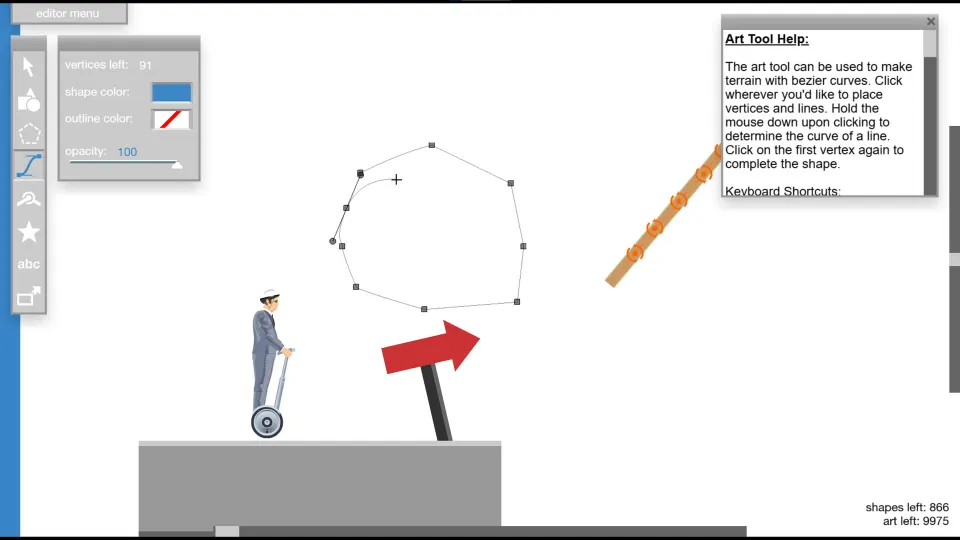
The level editor is another reason players return. It lets users assemble tracks and hazards, then share their work. Designing a good course means giving players enough visual information to react while still leaving room for surprise. Start with one idea, such as a balanced ramp sequence or a timed hazard, and test it repeatedly with the intended character.
A successful run is usually built from restraint. The fastest-looking path is not always fastest after repeated crashes. Learn the obstacle, make one reliable movement, and then add speed only when you understand the consequences.
FAQ
Where can I happy wheels play online?
You can play the full web version through the official Totaljerkface.com site. Other browser platforms may host versions too, but the available levels, supported characters, advertisements, and features may not match the official release.
Do I need Flash to play Happy Wheels?
No. Happy Wheels received a JavaScript version before Flash support ended. Use a browser with JavaScript enabled; the original Flash release is no longer required for normal web play.
Is Happy Wheels free to play?
The browser game can be played online for free. Mobile and Steam versions may have different storefront features, pricing, updates, or optional purchases.
What are the best controls for beginners?
Use a keyboard on a desktop or laptop. Begin with the arrow keys for movement and balance, then use Space and secondary controls when your character or level calls for them. Small taps are safer than holding keys down.
Why does my character die so easily?
The game deliberately uses fragile ragdoll physics and deadly environmental hazards. Crashes, lost limbs, and sudden failures are central to its design. Slow down, learn trap patterns, and use each failed attempt to improve your next route.