Start Playing Without Wasting Your First Hour
Happy Wheels matters because every level turns a simple ride into a physics problem where one bad landing can end a run. Learn movement, leaning, and special abilities first, and the chaos becomes much more enjoyable.
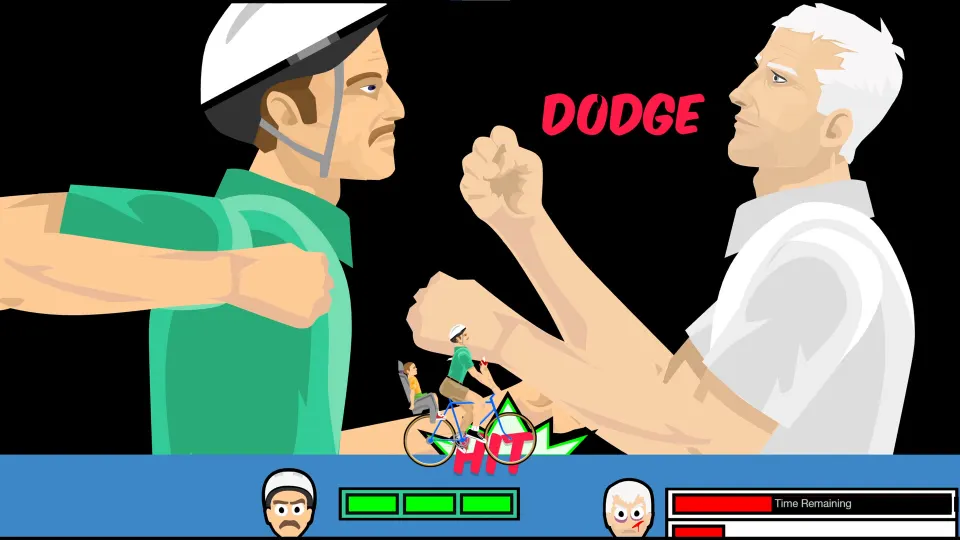
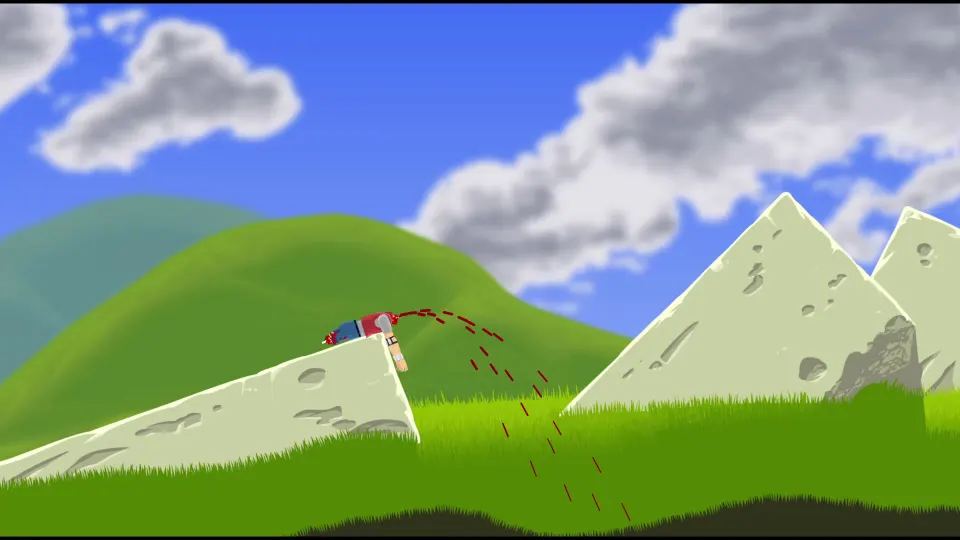
Happy Wheels is a single-player ragdoll physics game built around dangerous obstacle courses, strange vehicles, and dark cartoon humor. Your objective may be reaching a finish line, activating a victory trigger, collecting tokens, or completing a small skill challenge.
Start in the official browser version and choose a featured level for a more polished introduction. Featured stages are selected from the community collection and are often easier to understand than a random map.
| Control | Default action | Best use |
|---|---|---|
| Up Arrow | Accelerate forward | Build speed before ramps or gaps |
| Down Arrow | Brake or reverse | Control descents and recover position |
| Left Arrow | Lean backward | Keep the front end raised |
| Right Arrow | Lean forward | Stabilize climbs or add rotation |
| Z | Eject | Escape a ruined vehicle |
| Space, Shift, Ctrl | Character-specific abilities | Activate jumps, boosts, jets, and more |
Do not hold acceleration constantly. Most early crashes happen when a player reaches an obstacle too quickly and cannot correct the vehicle’s angle. Use short bursts of speed, and start leaning before leaving the ground.
A useful beginner routine is simple:
- Pick a featured level and make two slow attempts.
- Watch how the vehicle’s weight shifts on ramps.
- Read the level description for token or character requirements.
- Restart quickly after a truly unrecoverable crash.
- Change levels if the challenge is unclear or unfun.
Learn the Characters and Their Advantages
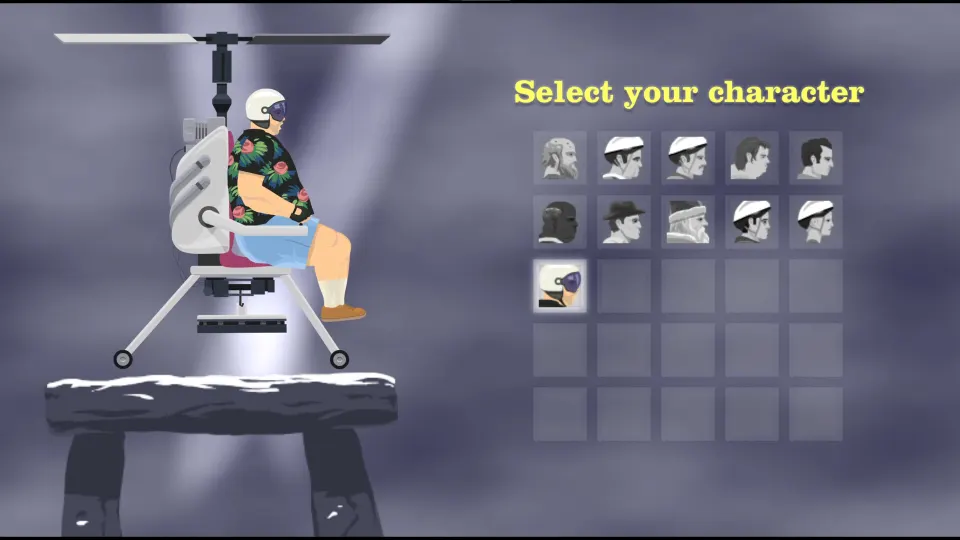
Every character changes how you approach a level. Some are easier to control, while others trade stability for speed, destructive power, or unusual puzzle options. A creator can force a character, so learning the basics of several vehicles is worthwhile.
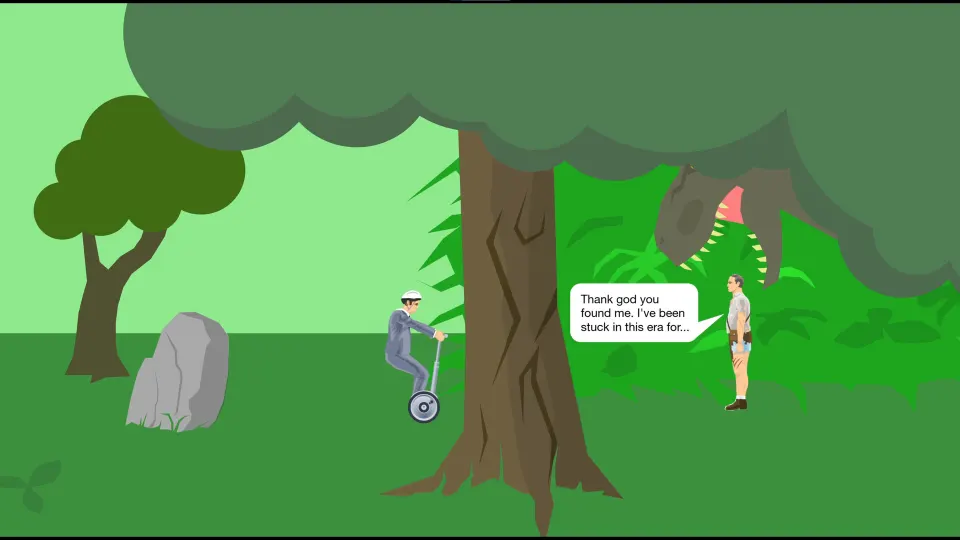
Segway Guy is approachable because his compact vehicle can jump and correct small mistakes. Wheelchair Guy is more difficult to balance, but his jet can break through obstacles or produce a last-second rescue.
| Character | Signature ability | Useful situation |
|---|---|---|
| Segway Guy | Jump with Space | Clearing low hazards |
| Wheelchair Guy | Jet rotation and firing | Breaking obstacles or gaining movement |
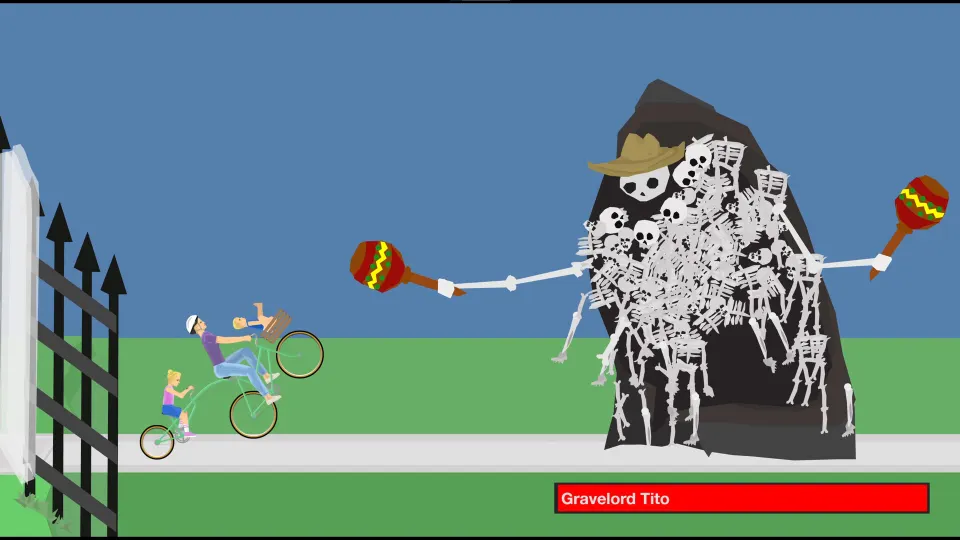
| Irresponsible Dad/Mom | Brake, eject riders, child camera | Bike hazards and token routes |
| Effective Shopper | Jump | Short jumps with a heavy cart |
| Moped Couple | Speed boost and rider ejection | Fast, risky courses |
| Lawnmower Man | Jump and destructive momentum | Fragile obstacles |
| Explorer Guy | Lean and attach cart to rails | Minecart sections |
| Santa Claus | Float and release elves | Soft landings |
| Pogostick Man | Charge a stronger bounce | Vertical routes |
| Helicopter Man | Control or release magnet | Moving physics objects |
Special abilities are not always best used immediately. A jump may be safer after the front wheel clears an obstacle, while a boost works better after a clean landing. If a vehicle has multiple riders, losing one can alter balance without necessarily ending the attempt.
Ejection is a valuable advanced tool. Use it when a vehicle is trapped, when a rider can reach a trigger on foot, or when staying seated would cause a fatal collision. It is not a guaranteed rescue, since an ejected character is fragile and difficult to steer.
After ejecting, you can still influence the ragdoll. Movement keys change body posture, and grabbing can help pull a character over an edge. A clumsy recovery can sometimes turn an apparent failure into a win.
Read the Level Goal Before You Commit
Happy Wheels levels do not all share the same victory condition. Reaching a visible finish line is common, but maps can also require tokens, a trigger, a skill-game objective, or no movement at all.
| Level type | What completes it | Smart first response |
|---|---|---|
| Finish-line course | Reach the victory zone | Prioritize survival over speed |
| Token route | Collect required tokens | Search side paths early |
| Trigger puzzle | Activate a victory trigger | Look for buttons and unusual objects |
| Skill game | Complete a specific task | Test the mechanic with small inputs |
| “Don’t move” map | Follow the creator’s condition | Read instructions before acting |
| Forced-character level | Win with the assigned character | Identify its special ability first |
The level description is part of the challenge. It may explain whether tokens are required, which character is forced, or what counts as victory. Community thumbnails and titles can be misleading on purpose.
Losing limbs does not automatically fail a run. Usually, the important failure condition is severe destruction of the head or torso. A secondary rider may still collect a token or trigger victory after the main rider is incapacitated.
Break hard levels into short mental checkpoints. First survive the opening hazard, then position for the ramp, then control the landing. Trying to solve an entire course in one frantic burst creates more mistakes.
Survive Obstacles With Better Physics Habits
The game rewards timing more than raw reflexes. Clean runs come from managing rotation, controlling speed, and knowing when a damaged vehicle is still usable.
Use these habits on common hazards:
- Approach spikes, mines, and saws slowly enough to change direction.
- Lean backward before steep climbs to avoid flipping forward.
- Lean forward during jumps when you need the front wheel down first.
- Release acceleration before narrow landings.
- Keep moving after minor injuries if the head and torso remain intact.
- Restart when progress is clearly impossible.
Bottle runs and glass-heavy maps can seem random, but weight distribution still matters. Keep the vehicle steady, avoid unnecessary turns, and let momentum carry you through light objects. For falling hazards, pause briefly to observe their timing before committing.
Pausing will not solve a level for you, but it can make a chaotic scene easier to read. Decide whether the next input should be acceleration, a lean, an ejection, or a restart. Often, one small input change is enough to improve a repeated attempt.
Practice on one short course instead of constantly switching to harder maps. You will learn how much speed a jump needs, how early to lean, and which accidents are recoverable. Those lessons apply across thousands of community levels.
Build and Browse Better Community Levels
The level browser is one of the game’s biggest strengths. Browse user-made maps, sort through choices, load a specific level, and find challenges that match your mood. If one random level is frustrating, try another rather than judging the entire game by it.
Use featured levels for crafted courses with clear gameplay. Browse community maps for bottle runs, obstacle courses, sword fights, puzzles, vehicle challenges, and novelty levels.
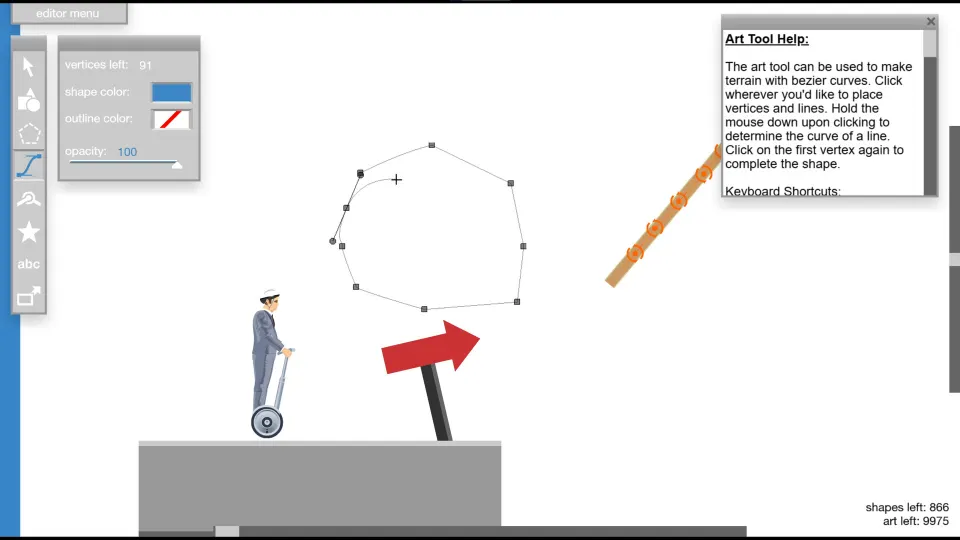
The built-in editor lets players create and share their own maps. Begin with a short route, one clear obstacle, and an obvious goal. Complex levels become easier to build after you understand how objects react.
| Editor tool | Main purpose | Beginner project |
|---|---|---|
| Selection | Move, edit, copy, or group objects | Rearrange a ramp |
| Shape | Create basic geometry | Build platforms |
| Polygon | Draw custom shapes or scenery | Add background art |
| Joint | Connect moving objects | Make a swinging gate |
| Special items | Add hazards and game objects | Place a simple obstacle |
| Text | Give directions | Explain the objective |
| Trigger | Cause actions when activated | Create a victory event |
Test frequently while building. A ramp that looks reasonable may throw a character into a ceiling, while a decorative object can accidentally block the route.
For a first published map, clarity is more important than size. Explain the goal, give players room to understand the first obstacle, and only force a character when that choice is central to the design.
FAQ
What is the best way to use this happy wheels guide?
Start with the controls table, practice on a featured level, then return to the character and obstacle sections when a specific problem stops your run. Focus on one skill at a time, such as leaning before ramps or ejecting deliberately.
Do I need an account to play?
You can play browser levels as a guest. An account is useful for saving replays, rating levels, creating maps, and sharing your work.
Why do I fail after losing one body part?
Limb loss does not always end a run. Severe head or torso damage is usually the important failure condition, although a badly damaged character can still become impossible to control.
How do I find easier levels?
Start with featured levels, then browse community maps by rating or popularity. Look for short obstacle courses, beginner-friendly descriptions, or character-specific practice maps.
Should I restart after every crash?
No. Continue if your character can still move and the goal remains reachable. Restart when the head or torso is destroyed, the vehicle is permanently stuck, or the required route is no longer possible.