What all levels unlocked means
Having every available course open lets you practice difficult obstacles without working through earlier stages first. However, happy wheels all levels unlocked is also a label used for modified Android builds, and it should not be confused with completing the game. A playable level, a completed level, and an unreleased chapter are three different things.
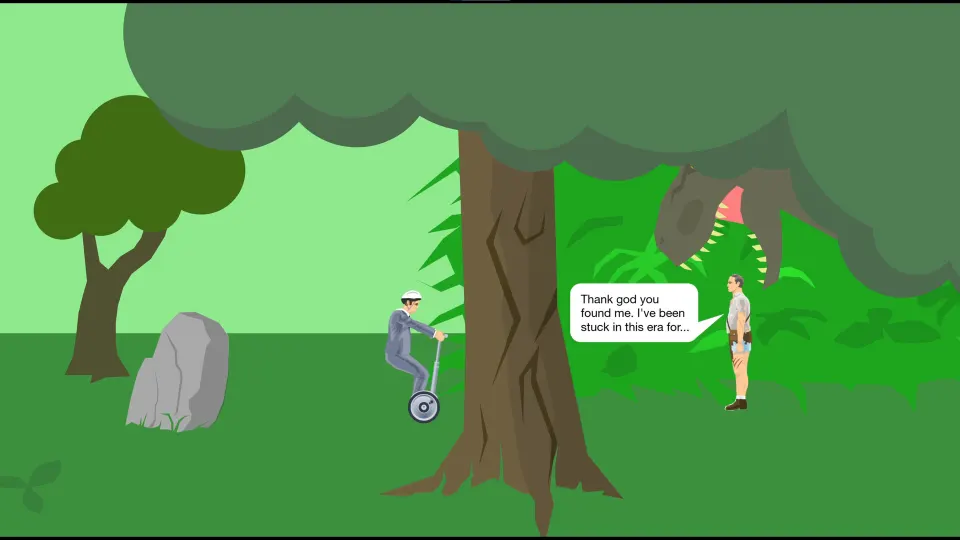
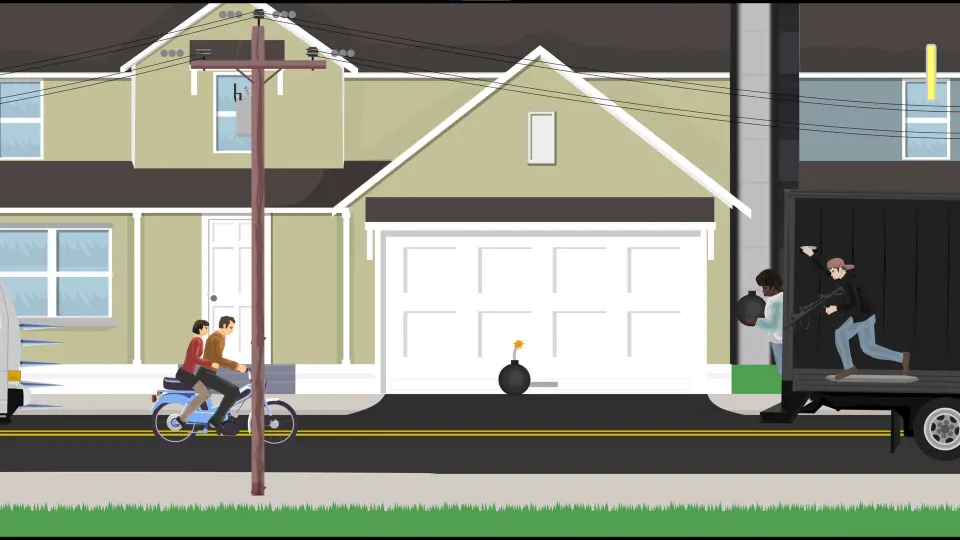
Happy Wheels is a side-scrolling obstacle course game built around vehicle handling and ragdoll physics. Reaching the finish requires managing speed, balance, and dangerous terrain. Opening access to a course does not make its spikes, mines, harpoons, or wrecking balls easier to survive.
Before looking for an unlock, identify what the level selection screen actually shows:
| Screen indicator | Meaning | What to do next |
|---|---|---|
| Numbered level box | The stage is available to select | Enter it and attempt the course |
| Padlock replacing a number | The stage has not been unlocked | Check the relevant progression requirement |
| Small yellow flag | The stage has been completed | Try an unfinished stage or replay it |
| “COMING LATER” chapter | The chapter is presented as unavailable content | Do not treat it as an ordinary progression lock |
This guide concerns the mobile game. Its built-in courses are organized around characters and differ from the online version's user-created level selection.
How mobile chapters and completion work
The Happy Wheels Wiki's mobile level guide describes character chapters arranged as three rows of five numbered slots. That gives each chapter a 15-slot layout, although the number of released, playable stages can vary.
The first stage introduces that chapter's character controls. Later stages increase the demands on timing and handling, following this general arrangement:
| Position in the chapter | Difficulty grouping | Practical purpose |
|---|---|---|
| Level 1 | Tutorial within the easiest group | Learn the character's controls |
| Levels 2–5 | Easier stages | Build consistency with the vehicle |
| Levels 6–10 | Medium difficulty | Practice more demanding obstacle sequences |
| Levels 11–15 | Hardest group | Apply precise movement and timing |
The official iOS App Store listing advertises more than 60 levels. That describes the mobile game's overall selection; it does not mean every character has a completely filled chapter or that every platform release contains an identical selection.
After you finish a course and exit, its box gains a yellow flag. Use those flags to track actual completions instead of relying on your memory of which stages you entered.
Completing every available stage in a character chapter can trigger a red cross over the character portrait and a credits sequence. The community wiki notes that the cross can disappear after navigating elsewhere or reopening the game while the other progress indicators remain. A missing cross alone is therefore not evidence that your completions were erased.
How to unlock Select a Character stages
The clearest documented progression requirements concern the Select a Character chapter. According to the mobile wiki, finishing enough courses in a character's own chapter unlocks the corresponding stage there. Most of the documented thresholds require eight completions, while Effective Shopper has a lower requirement.
| Character chapter | Documented requirement | Corresponding unlock |
|---|---|---|
| Business Guy | Complete 8 levels | Select a Character level 1 |
| Irresponsible Dad | Complete 8 levels | Select a Character level 2 |
| Wheelchair Guy | Complete 8 levels | Select a Character level 3 |
| Effective Shopper | Complete 5 levels | Select a Character level 4 |
To work toward these unlocks:
- Choose one character chapter. Keep your completion count within that chapter instead of combining flags from several characters.
- Start with its tutorial. A bicycle, personal transporter, and powered wheelchair require different approaches to movement.
- Finish distinct courses. Count the yellow flags on separate level boxes; repeating one completed course does not increase the number of stages cleared.
- Reach the relevant threshold. Aim for eight completions in the first three listed chapters or five for Effective Shopper.
- Check Select a Character. Look for the corresponding box to display a number instead of a padlock.
If the expected stage remains locked, first recount the flags in the correct chapter. Make sure you finished the courses rather than simply attempting them. Then check whether the screen represents a locked stage or an unavailable chapter.
What unlocked Android versions claim
Several third-party sites advertise modified Happy Wheels Android packages under version 1.1.3. Their feature labels differ, so a broad “Unlocked” heading should not automatically be read as a detailed promise about every character, stage, or advertisement.
| Android listing | Advertised modification | How specific the claim is |
|---|---|---|
| AN1 | “Unlocked” | General unlock label |
| LiteAPKs | “MOD Unlocked” | General unlock label |
| Modyolo | “Unlock All Levels” | Explicitly refers to level access |
| GameDVA | “Unlocked level/No ads” | Lists level access and ad removal |
Modyolo explicitly advertises all-level access, while GameDVA separately advertises ad removal. Those are claims about the packages offered by those sites, not official feature guarantees from the game's developer.
The distinction helps set expectations. “All levels” does not establish that a build includes unreleased content, finishes courses on your behalf, or makes your racer invulnerable. Likewise, an unlock label by itself does not establish that advertisements have been removed.
An official all-levels cheat code has not been confirmed. The documented route for the Select a Character stages is chapter completion. Android APK claims also do not describe an iPhone installation method or establish equivalent behavior in the iOS app.
How to use open levels to improve your runs
Access to harder stages is most useful when it helps you practice a specific skill. Happy Wheels rewards controlled movement: entering an obstacle too quickly can leave little time to correct your vehicle's angle or react to the next hazard.
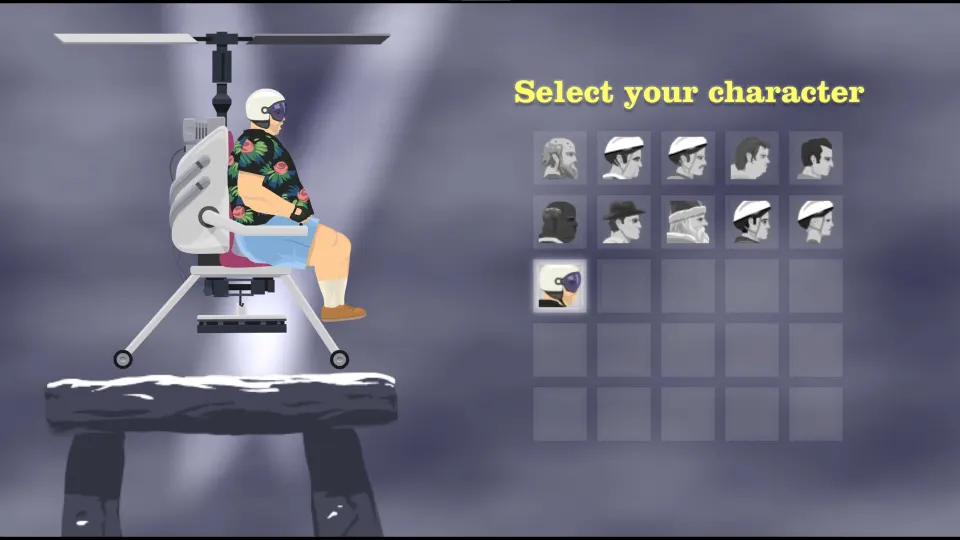
Characters change how a course feels. Business Guy rides a personal transporter, Irresponsible Dad carries his son on a bicycle, Wheelchair Guy uses a jet-powered wheelchair, and Effective Shopper drives an electric motor cart. The official iOS listing also includes Pogo Stick Guy. Learn the active character's controls before treating a difficult stage as a test of reflexes alone.
Use this practice routine whether your stages are unlocked through progress or already accessible:
- Learn the opening stretch first. Reach the first difficult obstacle consistently before worrying about the whole course.
- Reduce speed before uncertain terrain. Give yourself time to assess steep drops, narrow landings, and traps ahead.
- Watch moving hazards before committing. Pendulums and other moving obstacles make timing as important as forward speed.
- Adjust your vehicle's angle deliberately. Large corrections can create another problem just as you approach a landing.
- Change one thing after a failure. Try a different approach speed or movement timing so the next attempt teaches you something.
- Secure a finish before chasing a faster time. A completed course gives you a reliable starting point for improving your route.
When a later course feels overwhelming, return to an easier stage for that same character. Practicing familiar controls on simpler terrain can be more productive than repeatedly reaching a difficult trap without understanding why the approach fails.
FAQ
Does happy wheels all levels unlocked mean every level is completed?
No. It describes access to levels, usually in third-party Android mod advertising. Completion is a separate state, shown by yellow flags on the mobile level selection screen. An accessible course can still be unfinished and difficult to clear.
Can I unlock Select a Character stages through normal play?
Yes. The mobile wiki documents unlocks after eight completions in the corresponding Business Guy, Irresponsible Dad, and Wheelchair Guy chapters. Effective Shopper's corresponding stage requires five. Check the flags within the relevant chapter rather than counting completions across the entire game.
Will an unlock make a “COMING LATER” chapter playable?
Do not assume so. That message identifies unavailable chapter content rather than an ordinary padlock. Removing a progression requirement cannot supply a course absent from the installed game, and future content availability has not been officially confirmed by an unlock label.
Does the mobile game include every browser level?
No. The built-in mobile chapters contain courses made for the app. The official iOS listing includes a level editor, but that feature does not mean an all-levels unlock provides the browser game's entire collection of community-created stages.
Why did the red cross disappear from a completed character?
The community wiki documents the cross disappearing after actions such as reopening the game or moving through other screens. Check the yellow completion flags and accessible stages. The portrait animation disappearing by itself does not mean you must complete the chapter again.