What “All Characters Unlocked” Means
Getting access to every Happy Wheels character depends on which version you are playing. The full browser game's documented roster has 11 playable selections, while the demo restricts access and Android listings use “unlocked” for different features. An APK advertised as unlocking levels does not necessarily unlock characters.
The useful distinction is between character availability, level availability, and version differences. A character being visible in a menu does not always mean it is selectable. Likewise, access to more courses does not establish that a mobile edition includes every character from the browser game.
| Version or listing | What is documented | What that means for character access |
|---|---|---|
| Full browser game | The Happy Wheels Wiki documents 11 playable selections | Use this roster when comparing browser characters |
| Browser demo | Effective Shopper can be highlighted but is normally unavailable to play | A visible portrait can still represent a demo restriction |
| Android MOD listings | Labels include “MOD Unlocked” and “Unlock All Levels” | Read the specific feature description before assuming characters are included |
| Steam edition | The developer announced its release on September 21, 2026 | The announcement itself does not detail character availability |
For browser play, start at Totaljerkface, the developer's website. Its JavaScript version preserves the original game's general experience and existing level database. The developer also announced a Steam release, so older statements describing the website as the game's only full-version destination need that context.
Meet the Documented Character Roster
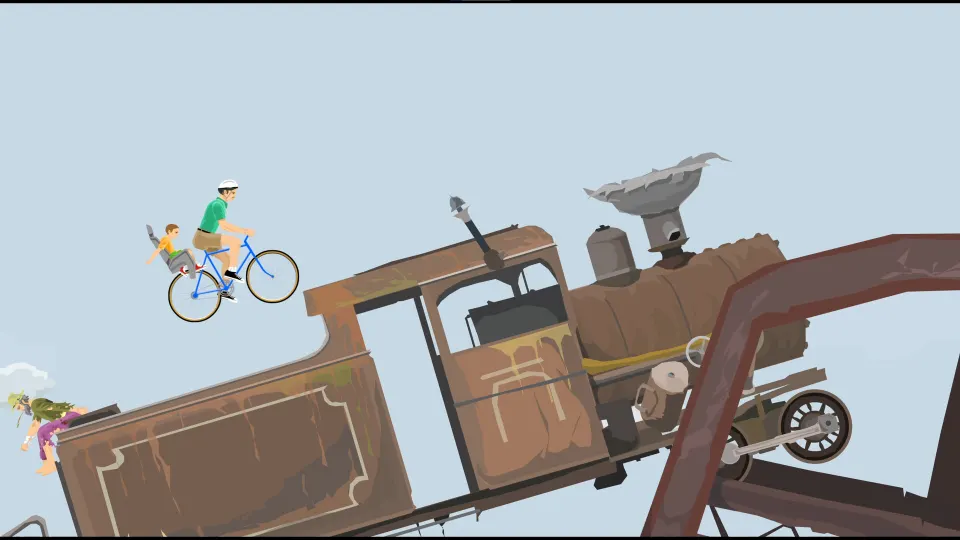
Characters change how you approach obstacles, not just how your rider looks. A jet-powered wheelchair, a bicycle, and a rail-compatible minecart demand different decisions about momentum and positioning. Learning a vehicle's special action is often more useful than immediately switching to another rider.
The Happy Wheels Wiki character page documents these seven selections and their vehicle mechanics:
| Character | Vehicle | Notable mechanic |
|---|---|---|
| Wheelchair Guy | Jet-powered wheelchair | Space fires the jet; Shift and Ctrl rotate it |
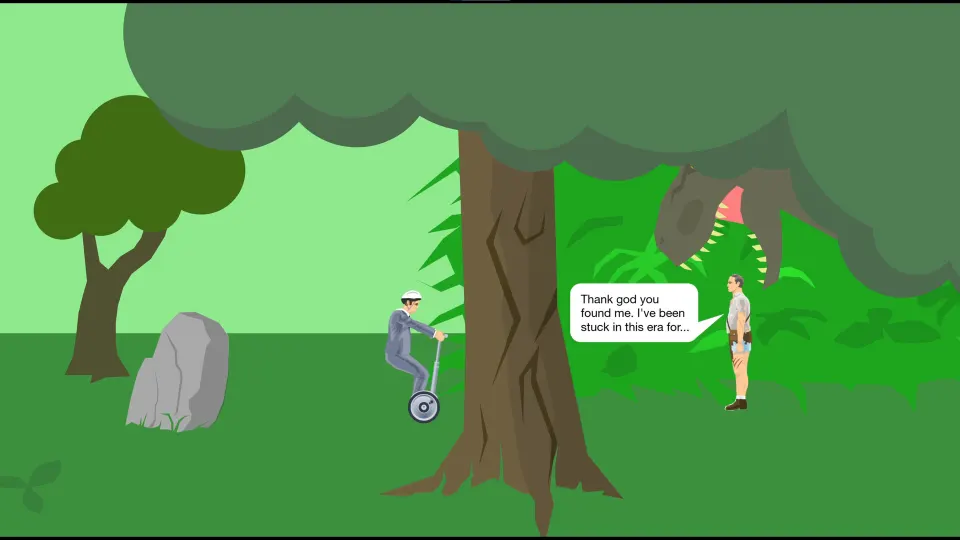
| Segway Guy | Segway | Space makes the vehicle jump |
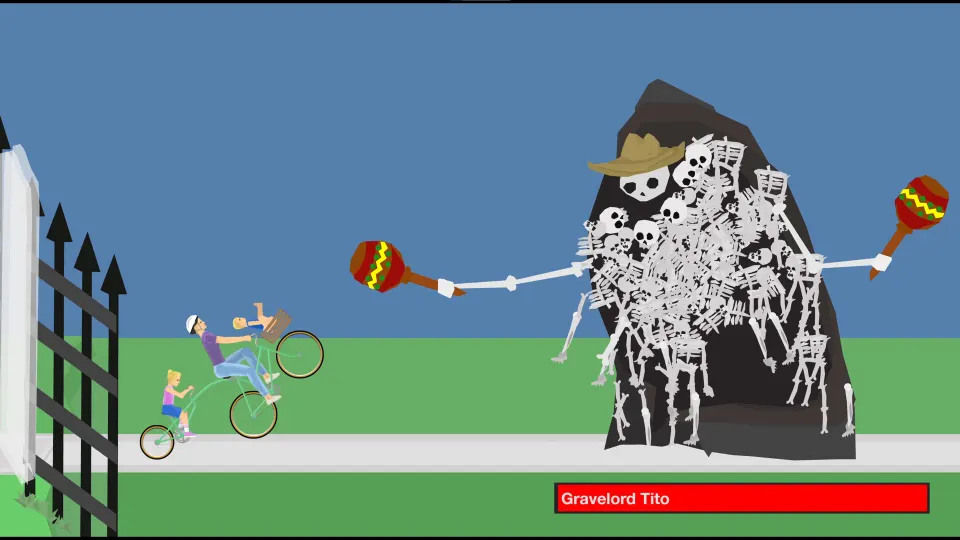
| Irresponsible Dad | Bicycle carrying a child | Space brakes; separate inputs can eject the father or child |
| Effective Shopper | Motorized scooter carrying groceries | Space triggers a jump |
| Moped Couple | Moped with two riders | Space provides a speed boost; Ctrl brakes |
| Lawnmower Man | Lawnmower | Space jumps; the blade can grind NPCs and food items |
| Explorer Guy | Minecart | The cart can attach to rails |
The remaining four selections in that documented roster are Santa Claus, Pogostick Man, Irresponsible Mom, and Helicopter Man. Together, these make 11 playable character choices. That number counts selections rather than every individual passenger: a vehicle carrying multiple people still occupies one character choice.
For practice, compare one mechanic at a time. Segway Guy lets you work on jump timing, while Irresponsible Dad gives you a dedicated brake. Wheelchair Guy adds another variable because you can change the jet's direction as well as activate it.
Learn the Controls Before Changing Characters
Access to the roster will not make the controls identical across vehicles. The browser character documentation uses a shared movement layout, but special actions vary. Pressing Space might jump, brake, boost, or fire a jet depending on whom you select.
| Browser input | Documented function | Important distinction |
|---|---|---|
| Up arrow | Accelerate | Builds vehicle movement before an obstacle |
| Down arrow | Slow down or reverse | Separate from certain characters' dedicated brake |
| Left and Right arrows | Lean or adjust balance | Helps manage the vehicle's angle |
| Z | Eject | Multi-rider characters have additional ejection behavior |
| Space | Character-specific special action | Changes to grabbing after ejection |
| Shift and Ctrl | Additional character-specific actions | Can adjust a jet, move legs, brake, or eject a passenger |
| C | Change camera for Irresponsible Dad and Moped Couple | Documented for these multi-rider selections |
Use a short practice routine whenever you try someone unfamiliar:
-
Test movement on clear ground. Notice how quickly the vehicle accelerates and how much room you need to slow down.
-
Try Space before reaching danger. Establish whether it produces a jump, brake, or powered movement.
-
Use small balance adjustments. Watch how leaning changes your approach to ramps and your landing angle.
-
Check secondary actions. Shift and Ctrl can have completely different purposes between characters.
-
Experiment with ejection separately. Once the rider leaves the vehicle, movement inputs affect body positioning.
These are documented keyboard controls. Android descriptions instead identify on-screen touch controls, so use the controls displayed by your edition.
After ejection, Space becomes a grab action rather than the vehicle ability. The character documentation also states that control ends when the character dies. Treat ejection as a distinct mechanic to learn, rather than assuming it will always rescue an unsuccessful run.
Work Out Why a Character Is Unavailable
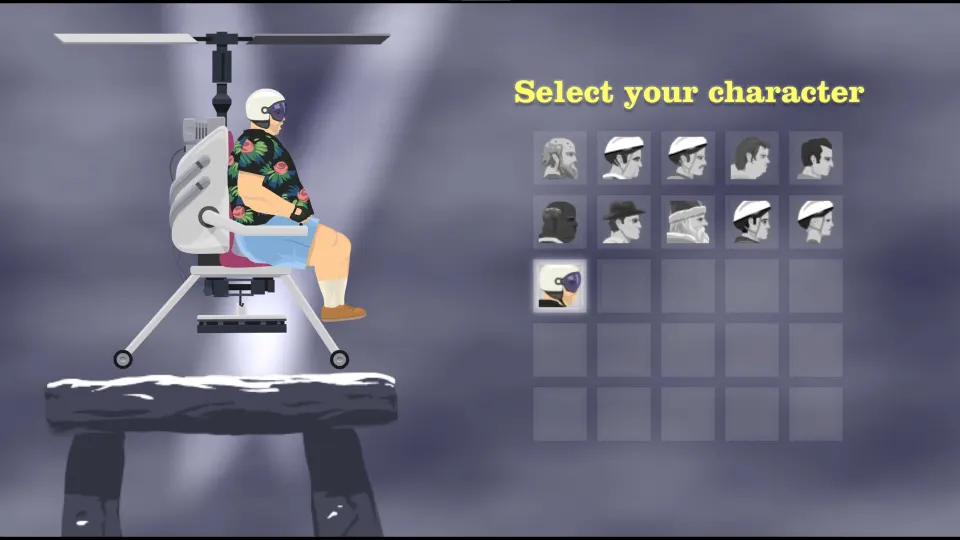
If a character appears inaccessible, first identify the exact situation. A demo restriction, an Android feature label, and an unfamiliar selection menu are different problems. They should not automatically send you looking for the same download.
Follow these checks in order:
-
Confirm where you are playing. Establish whether it is the developer's browser game, a demo, an Android app, or the Steam edition.
-
Check whether the character is merely highlighted. Effective Shopper is a documented example of a demo character whose portrait can be highlighted without normal play access.
-
Compare against the appropriate roster. The browser game's 11 documented selections are a browser reference, not proof of what every mobile package contains.
-
Separate levels from characters. A feature labeled “Unlock All Levels” describes course access; it does not explicitly promise additional riders.
-
Read the character's controls. If you can select the rider but cannot use the expected ability, the problem may be the input rather than access.
For the documented Effective Shopper demo restriction, using the full browser game addresses the relevant version difference. Repeating courses or trying another character's controls does not change what the demo offers.
Avoid treating every unavailable option as evidence of a progression requirement. The character documentation identifies a demo limitation, but that does not establish a universal system in which every rider must be earned through completed levels.
Understand Android “Unlocked” Claims
Several Android download pages advertise Happy Wheels version 1.1.3 with modified-content labels. Their wording is not consistent enough to treat “unlocked” as a precise description of the same feature everywhere.
| Download page | Advertised label | What the wording establishes |
|---|---|---|
| AN1 | “MOD, Unlocked” | A general modification claim without a specific character-access promise |
| Modyolo | “MOD Unlocked”; MOD Info says “Unlock All Levels” | An explicit claim about level access |
| LiteAPKs | “MOD Unlocked” | A general unlocked label without a detailed character checklist |
Modyolo's specific description is the clearest distinction: unlocking all levels concerns the courses you can enter. It should not be rewritten into a promise that all browser characters become available on Android.
The mobile descriptions mention characters such as the Businessman, Irresponsible Dad, Wheelchair Guy, and Effective Shopper. They also describe more than 60 levels and touch controls. Those details describe the advertised mobile experience; they do not establish that its roster matches the browser edition character for character.
Before relying on an unlocked claim, look for an explicit feature description and a character list for that particular edition. A version number, file size, or broad “MOD” badge does not answer which riders you can select.
FAQ
Does happy wheels all characters unlocked mean every level is open?
No. Character access and level access describe different features. Modyolo explicitly advertises “Unlock All Levels,” which concerns courses. General “MOD Unlocked” labels on other Android pages do not, by themselves, establish that every character is included.
How many playable characters are documented for the full browser game?
The Happy Wheels Wiki lists 11 playable selections, from Wheelchair Guy through Helicopter Man. Some selections include multiple riders. Count the selectable character entries rather than adding each passenger as a separate roster slot.
Why can I highlight Effective Shopper without playing her?
That behavior is documented for the browser demo. Her portrait can be highlighted even though she is normally unavailable there. Check whether you are using the demo, then access the full browser game through Totaljerkface.
Does an Android unlocked APK include the entire browser roster?
The advertised labels do not establish that. A package may claim unlocked levels without making a character claim at all. Check the mobile edition's actual character list instead of assuming it reproduces all 11 browser selections.
Which character should I practice with first?
Choose according to the mechanic you want to learn. Segway Guy offers a jump, Irresponsible Dad has a dedicated brake, and Wheelchair Guy uses a directional jet. Begin by learning one vehicle's movement and special action, then compare another on terrain you already understand.